
Every software vendor now claims an AI feature, and most business owners have the same two reactions: this could save us a lot of time, and I have no idea where to start. Both are right. This guide is the version we walk clients through before any code is written. It covers where AI pays for itself quickly, where it causes problems, and how to roll it out in a way your team will actually use.
Where AI earns its keep
The wins come from work that is repetitive, rule-based, and high volume. In practice that means four places:
- First response. A chat assistant that answers hours, pricing ranges, and service-area questions instantly, then hands anything complicated to a person with the transcript attached.
- Sorting and routing. Reading incoming emails and form submissions, tagging them by intent, and sending each to the right inbox or CRM stage.
- Drafting. First drafts of quotes, follow-up emails, and job summaries that a team member edits in thirty seconds instead of writing in ten minutes.
- Reporting. Pulling numbers from your CRM, accounting, and analytics into one weekly summary nobody has to assemble by hand.
Where it does not belong yet
Anything involving judgment about money, safety, or your brand's reputation should keep a person in the loop. AI should draft the refund email; a human should decide whether the refund happens. It should suggest a diagnosis; a technician should confirm it. The failures you read about almost always come from removing the human step to save a few more minutes.
A real number, with context
One client cut operating costs by 70% after we replaced a manual customer pipeline with a custom CRM and automated follow-up. The saving did not come from firing anyone. It came from eliminating re-keying between three tools, missed follow-ups, and a Monday morning report that took someone four hours to build. Your number will be different. The pattern, finding the work nobody should be doing by hand, is the same.
The five-step rollout
1. Map the work
Spend a week writing down every repetitive task, who does it, how long it takes, and what happens when it is done late. Most companies find twenty or more. You only need the top three.
2. Pick one workflow with a clear rule
Start where the rules are already written down, like routing quote requests by service type. Avoid anything where the answer is "it depends" until the team trusts the system.
3. Keep a person in the loop
For the first month, every AI action should be reviewable before it reaches a customer. Approve, edit, or reject. You will learn quickly which steps can run on their own.
4. Measure hours, not vibes
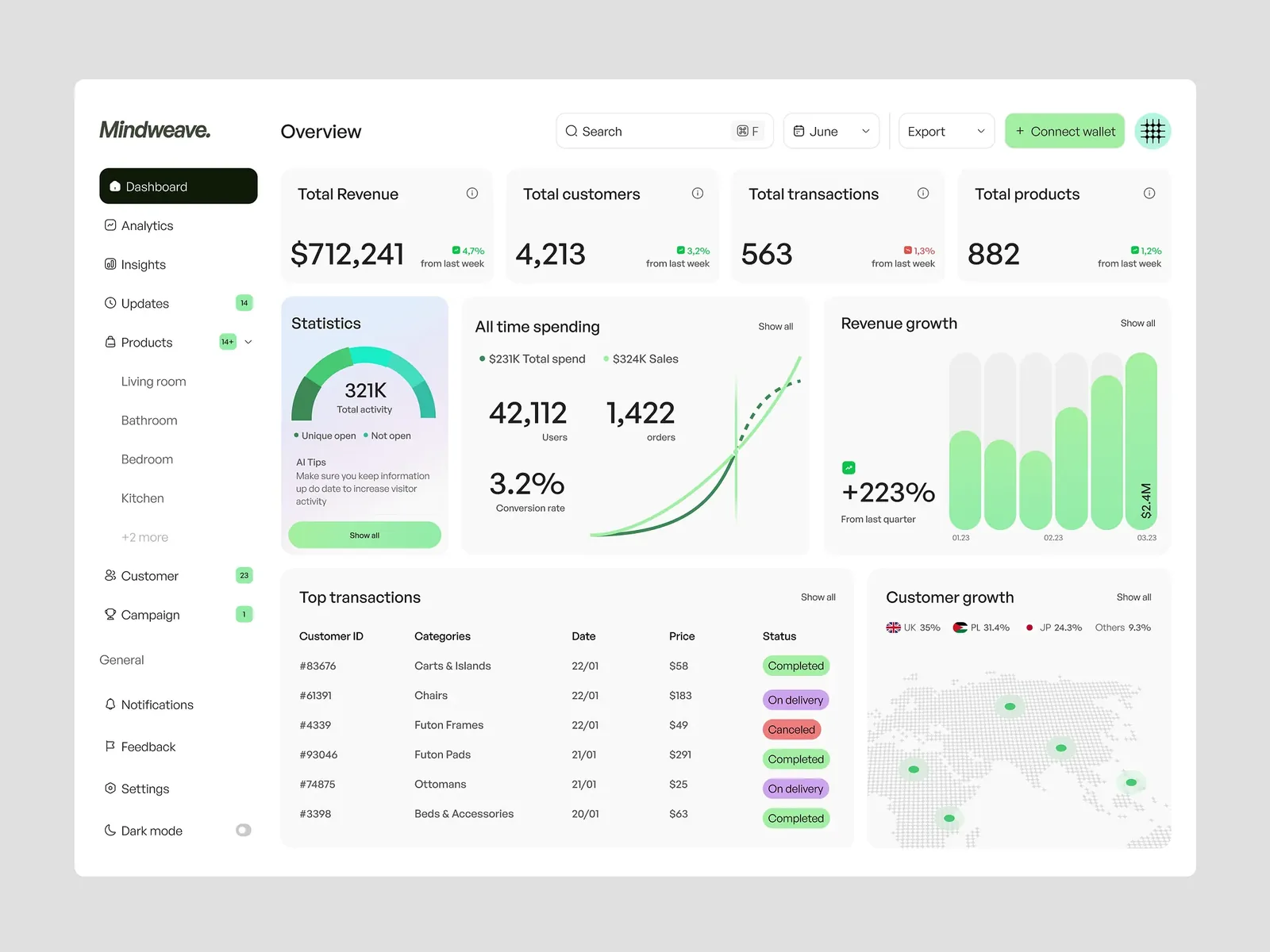
Track minutes saved, response time, and error rate on a simple dashboard. If a workflow is not saving time within four weeks, change it or turn it off.
5. Expand from proof
Once the first workflow is boring and reliable, take the next one from the list. Momentum comes from the team seeing their own week get lighter.
Off-the-shelf or custom?
Use what you already pay for first. Most CRMs, help desks, and email platforms now include usable AI features, and connecting them with an automation layer covers a surprising amount. Build custom when the workflow is central to how you make money and no tool fits, or when stacked subscriptions cost more than owning the software would. Either way, keep the accounts, data, and code in your company's name.
Data and privacy basics
Know which tools send data outside your systems and what their retention policy is. Never paste customer payment or health details into a general-purpose chatbot. For anything regulated, use a tool with a signed business agreement or keep the processing on infrastructure you control.
Automation should make your best people faster, not replace the judgment you hired them for.
If you want help mapping the work and choosing the first workflow, a free automation audit is exactly that conversation.